Disclosure: As an Amazon Associate, KeenSift earns from qualifying purchases. Our links never affect our picks or the price you pay.
The short answer
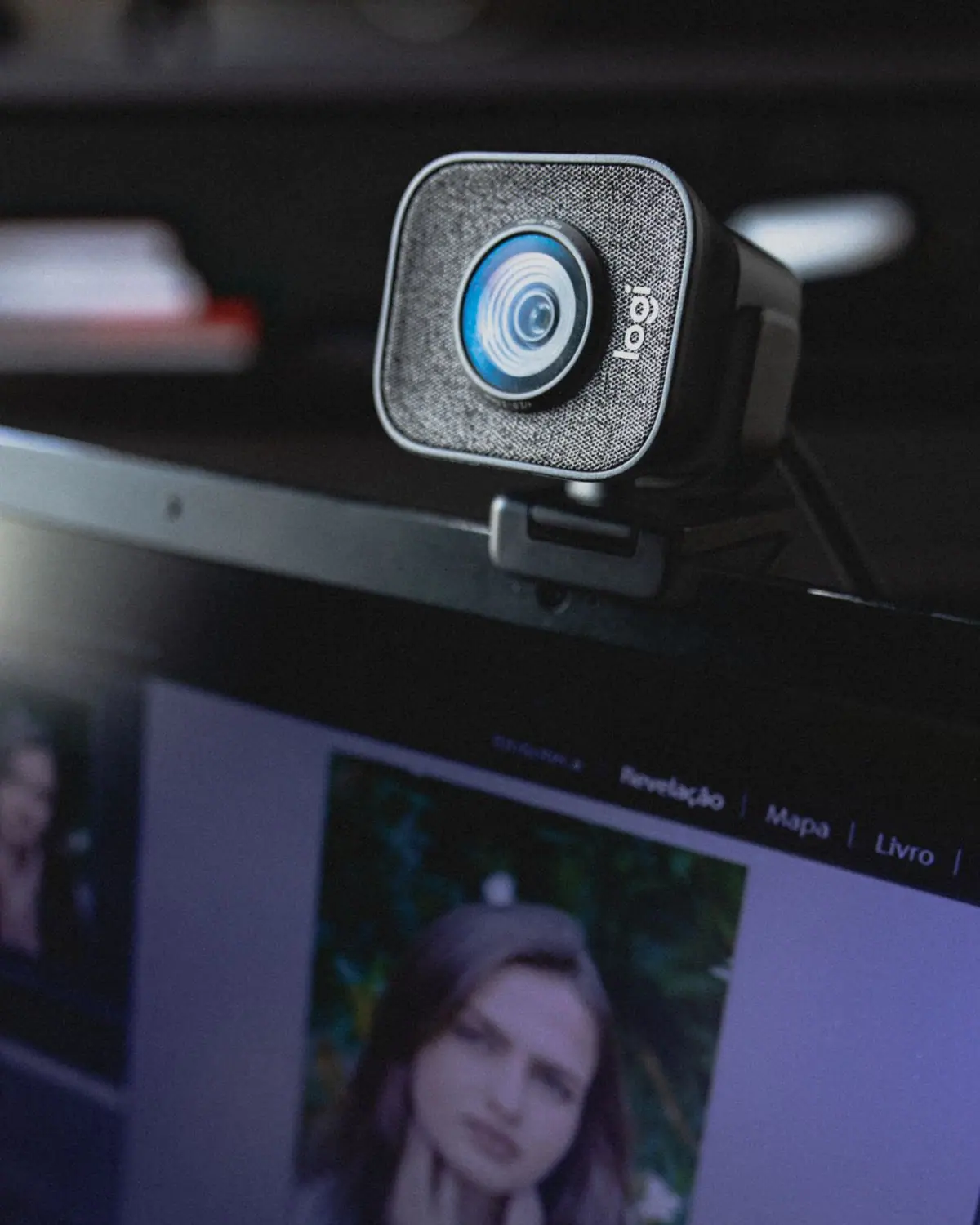
The best overall webcam is the Logitech MX Brio Ultra HD 4K Webcam, which balances sharp 4K video, solid low-light performance, and USB-C convenience. For live streaming, choose the Elgato Facecam 4K; for Zoom and WFH calls, the Logitech Brio 500; and on a budget, the Logitech C920x HD Pro Webcam.
If you want one webcam that handles everything, the Logitech MX Brio Ultra HD 4K Webcam is our best overall pick. It shoots native 4K at 30fps (and smooth 1080p at 60fps), pairs a larger sensor with AI image enhancement for cleaner low-light video, and connects over USB-C with a built-in privacy cover and Logitech's Show Mode for sharing notes. It's certified for Zoom, Microsoft Teams, and Google Meet, so it fits work and content creation alike. But here's the honest truth most guides skip: nearly every video-call platform compresses and caps your feed around 1080p, so 4K resolution is often wasted money on calls. That's why we split our picks into three lanes — streaming, Zoom/WFH, and budget — and tell you where spending more actually buys sharper video and where it doesn't. Below, we break down resolution, frame rate, sensor size, autofocus, field of view, built-in mics, and privacy shutters so you can match the camera to how you'll really use it.
The most capable all-around consumer webcam in 2026 — 4K sharpness, solid mics, HDR, and a privacy shutter in one unit make it the default pick if your budget allows.
Resolution
4K at 30 fps, 1080p at 60 fps
Sensor
8.5MP
Field of View
Up to 90° (selectable in Logi Options+)
HDR
Yes, with AI low-light enhancement
Microphone
Dual beamforming mics with noise reduction
Privacy Shutter
Built-in
Connectivity
USB-C
What we like
8.5MP sensor delivers sharp 4K30 or smooth 1080p60, and AI-enhanced low-light pulls usable detail out of dim rooms
Dual beamforming noise-reducing mics plus a built-in privacy shutter make it a complete work-from-home package with no add-ons
Selectable field of view (up to 90°) and Show Mode (tilts to show your desk) adapt it to calls, demos, and streaming
Worth noting
Priced at the top of the mainstream range — overkill if you only take Zoom/Teams calls that cap at 1080p
Needs a USB-C port and Logi Options+ software to unlock FOV, HDR, and field adjustments
The right mid-range pick for Zoom, Teams, and Meet users who want auto-framing, decent mics, and a privacy cover without paying for 4K they cannot use on calls.
Resolution
1080p at 30 fps, 720p at 60 fps
Sensor
4MP
Field of View
90°, 78°, 65° (selectable)
Microphone
Dual noise-reducing mics
Privacy Shutter
Built-in cover
Connectivity
USB-C
What we like
RightSight auto-framing keeps you centered and RightLight auto light correction handles typical office lighting
Dual noise-reducing mics pick up your voice from a few feet away, adequate for calls without a separate mic
Built-in privacy cover, Show Mode, and selectable FOV in a compact magnetic-mount design
Worth noting
1080p only — no 4K, so it is not built for high-quality recorded content
Full framing and FOV control require Logi Tune / Options+ software
It captures up to 4K at 60fps with a Sony STARVIS 2 sensor and uncompressed video, plus DSLR-like manual controls in Elgato's Camera Hub for locking exposure and white balance. Because Elgato's Facecam line is built for image quality rather than audio, pair it with a dedicated microphone.
Best for Zoom and WFH video calls
Logitech Brio 500
Auto-framing keeps you centered, RightLight handling rescues bad office lighting, and there's a noise-reducing mic, USB-C, and a physical privacy shutter. Its 1080p output is exactly what Zoom, Teams and Meet actually transmit, so you get a great call feed without paying for unused 4K.
Best budget webcam
Logitech C920x HD Pro Webcam
The long-running default still delivers dependable 1080p at 30fps with autofocus and dual built-in mics at the lowest price of our picks. It's not flashy, but it covers video calls and casual streaming reliably.
Find your match
Webcam Selector: Match Your Lane to the Right Pick
Pick your lane first, then buy the best cam in it — don't overpay for 4K a video call will throw away.
Your main use
What actually matters
Pick in this guide
All-around / do-it-all
4K sharpness, mics, HDR, privacy shutter
Logitech MX Brio
You present standing up or move around
Physical pan/tilt tracking
Insta360 Link 2
Live streaming to YouTube/Twitch
True 4K60, uncompressed image (add your own mic)
Elgato Facecam 4K
Zoom / Teams / WFH calls
1080p, auto-framing, decent mic, privacy cover
Logitech Brio 500
Dim, badly lit room
Wide f/2.0 aperture, 1080p60
Razer Kiyo Pro
Tight budget / first upgrade from a laptop cam
Reliable plug-and-play 1080p
Logitech C920x HD Pro
Editorial guidance based on manufacturer- and retailer-published specifications, cross-checked against current amazon.com listings. We did not perform first-hand lab testing, low-light photography, or measured head-to-head comparisons; low-light notes reflect published aperture and sensor specs, not measured lux output.
How we picked
How to Choose the Best webcams
01
Resolution (1080p vs 2K vs 4K): Zoom, Teams and Google Meet cap and compress video around 1080p (often lower on a weak connection), so 4K mainly pays off when you record locally or stream to YouTube. Don't overpay for pixels your platform will throw away.
02
Frame rate (30fps vs 60fps): 30fps is perfectly smooth for meetings. 60fps matters for streaming and gaming, where fast motion looks noticeably cleaner — that's the case for a cam like the Elgato Facecam 4K over a call-focused model.
03
Sensor size beats megapixels in low light: a physically larger sensor gathers more light, so a well-sensored 1080p cam can look better in a dim room than a cheap 4K one. Watch for larger-sensor designs like the Razer Kiyo Pro and Logitech MX Brio.
04
Autofocus vs fixed focus, and auto-framing: autofocus and auto-framing (as on the Logitech Brio 500 and Insta360 Link 2) keep you sharp if you move around; a locked/fixed focus can look more stable and consistent when you sit at a set distance.
05
Field of view: a narrower FOV (around 78°) flatters a solo headshot and hides your messy room, while a wide FOV (90° and up) fits two people or a whiteboard but shows much more background. The Razer Kiyo Pro lets you switch between FOV options.
06
Built-in mic vs a separate mic: onboard mics are fine for casual calls but usually mediocre for content. Serious streamers should budget for a dedicated microphone — note that Elgato's Facecam line is built around image quality, not audio.
07
Privacy shutter and mounting: a physical shutter (built into the MX Brio and Brio 500) beats a taped-over lens for privacy. Check that the clip fits your monitor or laptop and that there's a standard tripod thread if you want a stand or arm.
08
Software and price tiers: companion apps (Logi Options+, Elgato Camera Hub, Razer Synapse) unlock exposure, white balance and background controls. Decide your lane first — budget 1080p, mid-range calls, or premium 4K streaming — then buy the best cam in that tier rather than the most expensive overall.
Editor's Note — how we research
Every webcam in this guide was confirmed as a currently listed product on amazon.com, with model names and specifications cross-checked against manufacturer and major retailer pages (Logitech, Insta360, Elgato, Razer). No sensor measurements, low-light photography, or head-to-head comparison testing was performed by us. Resolution, sensor, aperture, field-of-view, and microphone details reflect manufacturer-published specs; low-light comparisons are based on stated aperture and sensor size rather than measured output. The claim that video-call platforms cap around 1080p is based on Zoom, Microsoft Teams, and Google Meet documentation. Confirm current price and availability on the product page before buying.
Our Take
“The Logitech MX Brio is the pick if you want one webcam that does everything well — 4K capture, HDR with AI low-light help, beamforming mics, and a privacy shutter in a single unit. But be honest about your use case before you spend: Zoom, Teams and Google Meet cap what they transmit at 1080p, so if you only take video calls, the Logitech Brio 500 gets you the same on-call image for less. Save the 4K cams (MX Brio, Insta360 Link 2, Elgato Facecam 4K) for recording or streaming, where the resolution actually survives. And if you just want to look better than your laptop camera, the C920x still does the job for the least money.”
Frequently Asked Questions
Is a 4K webcam worth it for Zoom?
For most people, no. Zoom, Microsoft Teams and Google Meet compress your video and cap it around 1080p (often lower on a slow connection), so a 4K webcam looks the same as a good 1080p one to the people on your call. 4K only pays off when you record locally or stream to a platform that ingests it. For calls, a cam like the Logitech Brio 500 is the smarter spend.
What is the best webcam for streaming?
For live streaming, the Elgato Facecam 4K is the top pick — it captures true 4K at 60fps with a Sony STARVIS 2 sensor and uncompressed output, plus DSLR-style manual controls in Elgato's Camera Hub. It has no built-in microphone, so pair it with a dedicated mic. If your room is dimly lit or you want to spend less, the Razer Kiyo Pro delivers smooth uncompressed 1080p60 with a wide f/2.0 aperture that holds up better in low light.
What is the best budget webcam?
The Logitech C920x HD Pro is the best budget pick. It delivers dependable 1080p at 30fps with autofocus and dual built-in mics, works with every major conferencing and streaming app, and is the lowest-priced webcam in this guide. It lacks 4K, HDR, and a privacy shutter, but for a reliable upgrade from a laptop camera it covers the basics well.
Do webcams have good enough built-in microphones, or do I need a separate mic?
Built-in webcam mics are fine for casual video calls — models like the Logitech Brio 500 and MX Brio use noise-reducing mics that pick up your voice clearly from a few feet away. For content creation or streaming, onboard mics are usually mediocre, so serious creators should budget for a dedicated microphone. Note that the Elgato Facecam 4K has no mic at all by design, assuming you already run one.
What webcam field of view is best?
For a solo headshot, a narrower field of view around 78° flatters your face and keeps a messy room out of frame. A wider 90°-plus field of view fits two people or a whiteboard but shows much more background. Cameras like the Logitech Brio 500 (90°/78°/65°) and Razer Kiyo Pro (narrow/medium/wide) let you switch, which is the most flexible option if you're unsure.
Where our specs come from
Sources
The Logitech MX Brio has an 8.5MP sensor, records 4K at 30fps and 1080p at 60fps, offers a 90° field of view selectable to 78° and 65°, includes dual beamforming noise-reducing mics and HDR/AI image enhancement, and has a built-in privacy shutter. Logitech official product page — MX Brio 4K Webcam
The Logitech Brio 500 records 1080p at 30fps (720p at 60fps) from a 4MP sensor, has a 90° field of view selectable to 78° and 65°, dual noise-reducing mics, and a built-in privacy cover. Logitech official product page — Brio 500 Webcam
The Elgato Facecam 4K records 4K at 60fps with a Sony STARVIS 2 1/1.8-inch CMOS sensor, an f/4.0 fixed-focus lens, a 90° field of view, HDR up to 4K30, and has no built-in microphone. Elgato official product page — Facecam 4K
The Razer Kiyo Pro uses a large Sony STARVIS 1/2.8-inch CMOS sensor, outputs uncompressed 1080p at 60fps, supports HDR at 30fps, and offers adjustable (narrow/medium/wide) field of view via Razer Synapse. Razer official product page — Kiyo Pro
Zoom limits meeting video to a maximum of 1080p Full HD (and only on Business/Enterprise plans with specific hardware), confirming that higher resolutions such as 4K are not transmitted on Zoom calls. Zoom Support — HD video resolution for meetings
Affiliate disclosure: As an Amazon Associate, KeenSift earns from qualifying purchases made via links on this page. This does not affect our editorial recommendations or the price you pay.