KeenSift Buying Guides · 2026
Best Office Buying Guides for US Shoppers
Independent buying guides for home office products. Every pick is a currently listed product on Amazon US, specs verified against manufacturer pages. Whether you are building a home office from scratch or upgrading one piece at a time, our guides compare ergonomic chairs, standing desks, desk lamps, monitor arms, organizers, and whiteboards — matching each recommendation to your workspace size, budget, and work habits.
All guides
Every office guide

Desk Lamps
Best Desk Lamps for Eye Strain: 6 Picks Ranked by the Specs That Matter
The BenQ e-Reading LED Desk Lamp is our best overall pick for one plain reason: it treats eye strain as an engineering problem, not a marketing line. It carries IEEE 1789 flicker-free certification, a CRI above 95, and an RG0 (no blue-light-hazard) rating, and its OVAL-Light optics spread a rated 500 lux across a roughly 35-inch-wide pool — far wider than the tight cone most lamps throw. A built-in sensor auto-dims to match your room, and a one-touch Screen Mode dips the center to cut monitor glare. Those are the specs that actually matter across a long workday, and most "best desk lamp" lists skip them entirely. Below we break down five more picks — a true budget option, a clamp-on architect arm, and monitor light bars for desks with no surface to spare — plus a plain-English guide to the question that trips everyone up: do you want a desk lamp or a monitor light bar? Often the honest answer is one of each.

Desk Organizers
Best Desk Organizers of 2026: Mesh, Bamboo & Tiered-File Picks
If you want one desk organizer that tames the widest range of clutter without fuss, the SimpleHouseware Mesh Desk Organizer with Sliding Drawer, Double Tray and 5 Upright Sections is the one we keep recommending. Its five upright sections swallow notebooks, folders and mail; the double tray corrals loose paper; and the sliding drawer hides pens, sticky notes and paper clips — all in a coated-steel mesh frame that stays planted when you load it with a stapler and scissors. It's the rare all-rounder that suits a home office or a shared workspace, at a budget-friendly price that undercuts most "designer" caddies. Below, we break the field down by material — mesh, bamboo, acrylic and plastic — by how much paper you actually shuffle, and by footprint, so you can match an organizer to your desk instead of buying the first mesh box you see. Whether you need a tiered file wall or a rotating pen caddy, there's a right answer here.
Ergonomic Chairs
The Best Ergonomic Office Chairs for 2026: Budget Mesh to the Herman Miller Aeron
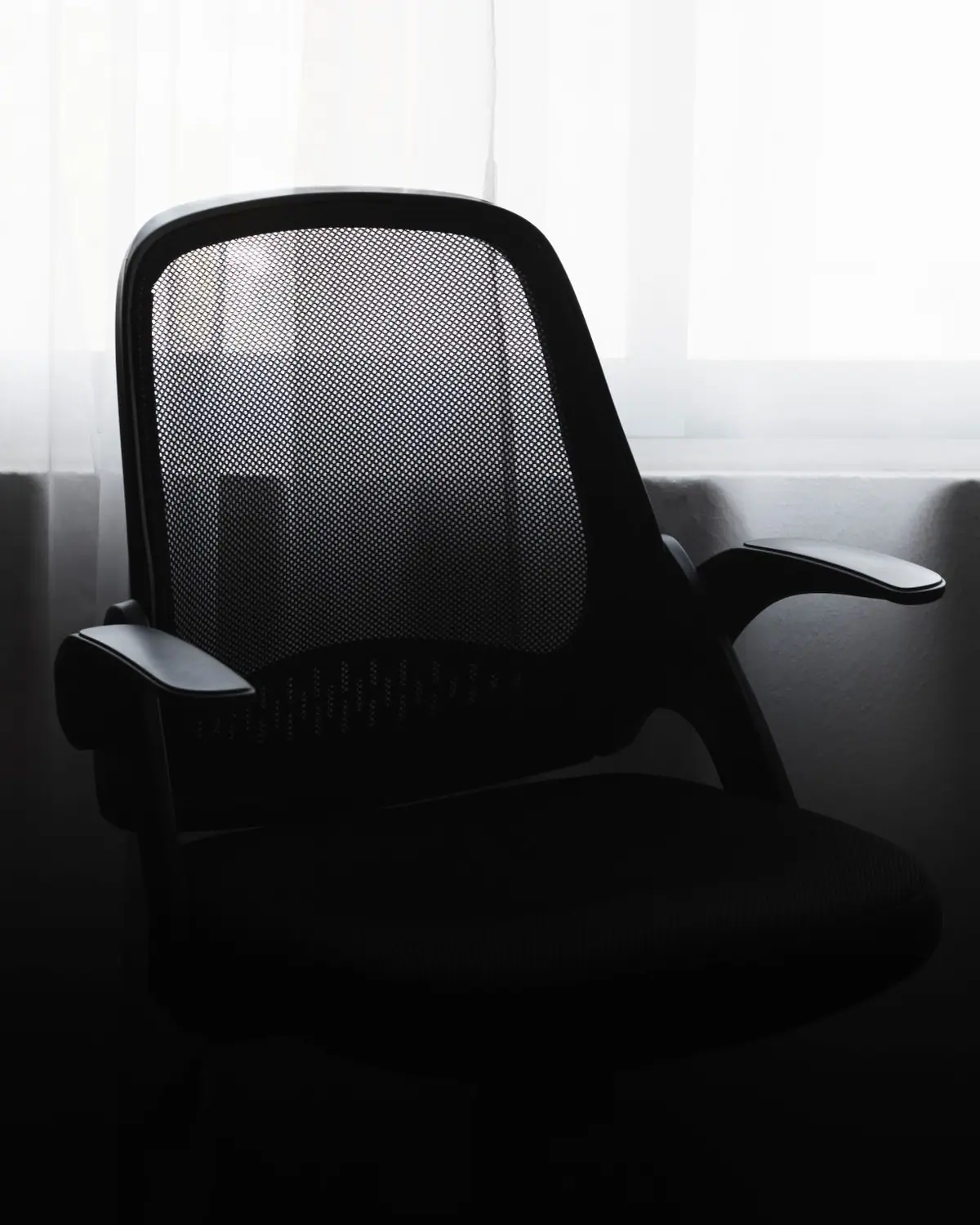
The Herman Miller Aeron is our best overall ergonomic office chair, and after more than two decades on the market it still earns the crown. Its all-mesh Pellicle back and seat breathe through eight-hour days, the adjustable PostureFit SL braces your lower spine instead of merely softening a cushion, and a 12-year warranty backs a chair built to outlast three cheaper ones. It is also expensive, which is why this guide maps a full budget-to-premium ladder. The SIHOO M57 and SIHOO Doro C300 deliver genuine adjustable lumbar support and 3D armrests. In the middle sits the Steelcase Series 1, a 400-lb-rated workhorse with a foam seat and true 4D arms. At the top, the Aeron and Steelcase Leap V2 justify four-figure pricing for people who sit all day. Below we break down mesh versus foam, lumbar versus armrest adjustability, and which premium chairs you can actually buy new on Amazon.
Ergonomic Office Chairs
Best Ergonomic Office Chair Under $300 on Amazon: Branch, Sihoo & Ticova Compared
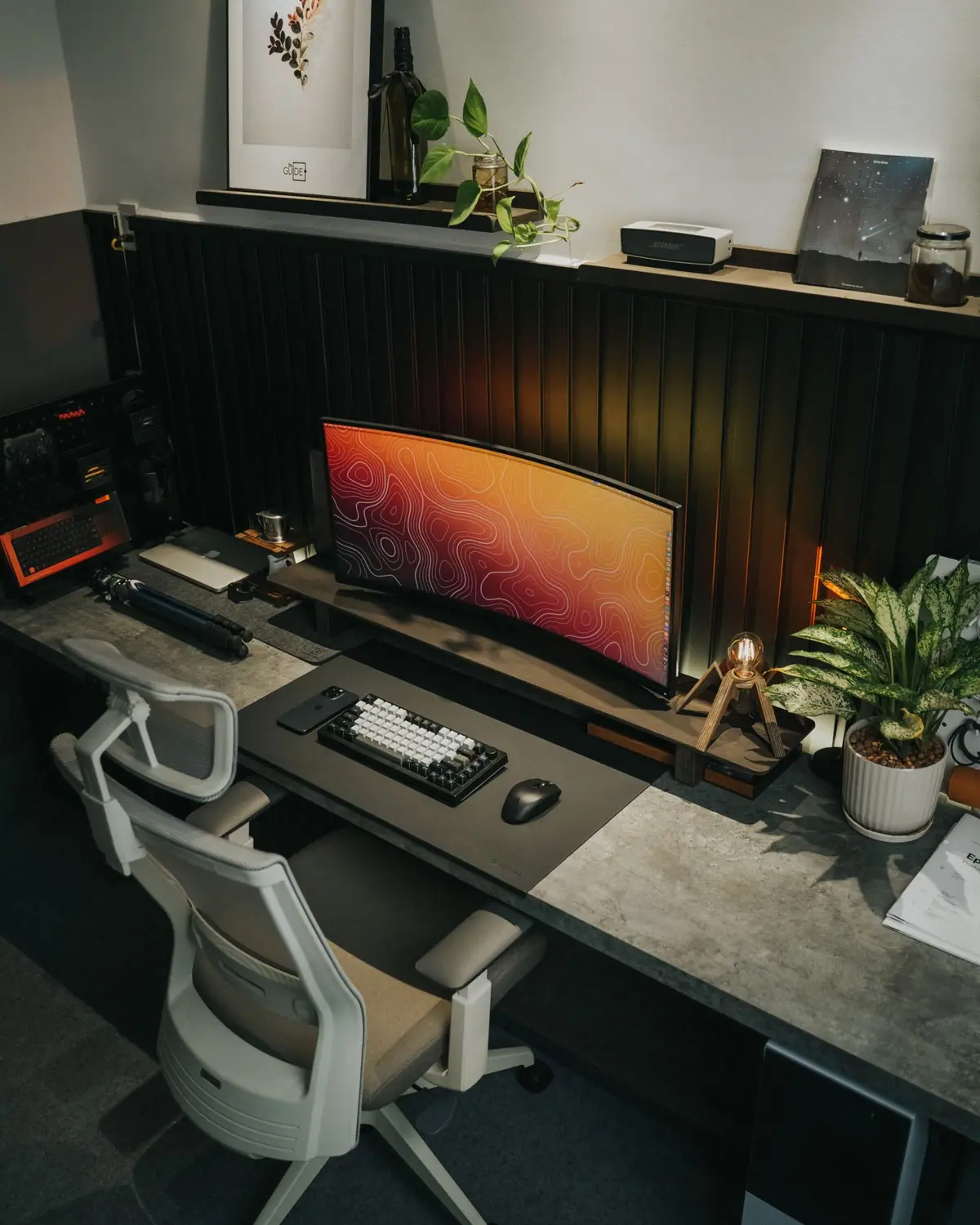
For most people, the NOUHAUS Ergo3D is the best ergonomic office chair under $300 on Amazon — it is the only chair in this lineup with true 4D armrests alongside a 3D lumbar and an adjustable headrest. Pick the Sihoo M57 with 3D arms and a 330 lb frame, the Ticova for a molded-foam seat instead of mesh, the Sihoo M18 for big-and-tall on the tightest budget, and the Branch Ergonomic Chair when a 7-year warranty matters more than shaving the last few dollars. The real decision comes down to three things: how much armrest adjustment you actually use, whether your lower back needs depth (not just height) lumbar adjustment, and whether you recline enough to need a headrest.

Monitor Arms
The Best Monitor Arms of 2026: Match the Arm to Your Monitor
The Ergotron LX Desk Mount Monitor Arm is the pick we point most people to, and it has earned that status the hard way: over a decade as the arm other brands quietly clone. Its constant-force gas spring holds monitors from 7 to 25 pounds up to 34 inches, glides to any height with a fingertip, and mounts to VESA 75x75 or 100x100 panels via either a C-clamp or grommet, all backed by a 10-year warranty. But "best overall" isn't "best for everyone." A 42-inch super-ultrawide or a 30-pound pro panel will overwhelm the LX; that job belongs to the Ergotron HX. And if you're outfitting a home setup on a tight budget, the NB North Bayou F80 and HUANUO gas-spring arms deliver most of the motion for a fraction of the price. This guide's real work is helping you match an arm to your specific panel's weight and VESA pattern, the step most buyers skip, and the one that decides whether your arm floats or sags.
Standing Desks
Best Standing Desk Under $300 on Amazon (2026): FlexiSpot vs VIVO, Ranked
If wobble is your worry, buy a dual-motor, 3-stage frame: the FlexiSpot E7 (355 lb capacity) is the most stable pick under $300, with the VIVO V103E the cheapest dual-motor alternative. Single-motor desks (EC1, EN1, V102E) cost less but sway more at full standing height.
Standing Desks
Best Standing Desks of 2026: 6 Amazon Picks Ranked by Stability, Warranty & Value
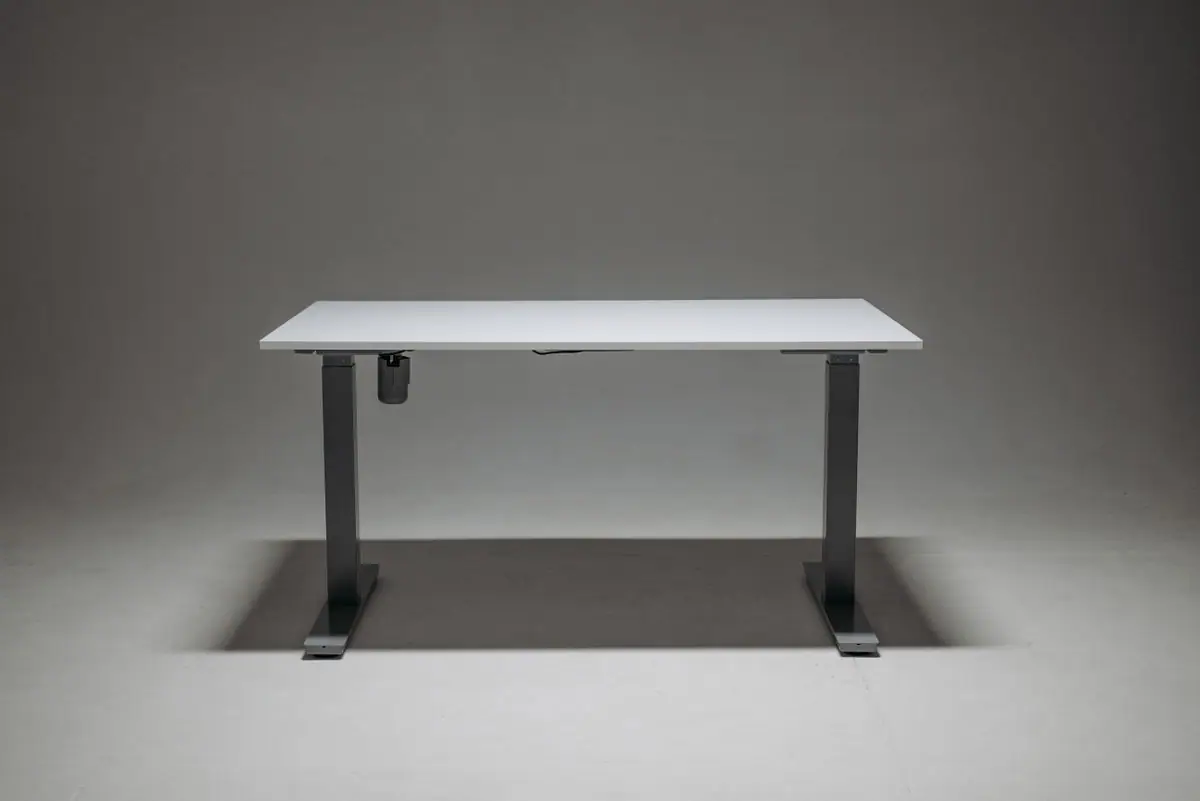
If you want a standing desk you can add to your cart today and have on Prime shipping this week, the FlexiSpot E7 Pro is our top overall pick. Its 3-stage dual-motor legs stay noticeably steadier at full standing height than most desks in this price band, the frame ranges from roughly 26 to 51.6 inches (frame only) — high enough for tall users while still dropping to a comfortable seated height — and FlexiSpot backs the metal and mechanical parts with a 15-year warranty, unusually long for a desk sold on Amazon. Most "best standing desk" rankings crown a direct-to-consumer model you can't actually one-click on Amazon, then send you off-site to buy it. We did the opposite: every desk here is genuinely listed on amazon.com right now, ranked on the trade-offs that matter once the box arrives — wobble at standing height, motor noise, weight capacity, and how the warranty splits between frame and motor. If the E7 Pro is more desk than you need, our budget and big-surface picks are below.

Whiteboards
The 6 Best Whiteboards of 2026: Glass, Magnetic, and Budget Picks
The Quartet Infinity Magnetic Glass Dry Erase Board (48" x 36") is our top overall pick, and the reason is the surface. Tempered glass is non-porous, so it resists the ghosting and gray staining that ruin cheaper boards after a few months of daily use. It's magnetic (with the included high-powered glass magnets), carries a 15-year limited warranty, meets the GREENGUARD GOLD low-emissions standard, and mounts with a clean frameless pass-through system that suits a modern office. It isn't cheap, and glass is heavier to hang than steel, but if you write on it every day, this is the surface that ages best. "Best whiteboard" still depends on your budget and how hard you'll use the board. Below we explain the four surface materials that actually matter, melamine, painted steel, porcelain/ceramic, and tempered glass, then match six real, Amazon-sold boards to specific needs, from the budget VIZ-PRO to a heavy-duty porcelain XBoard. This guide is strictly physical dry-erase, not smart boards or whiteboard software.
Ergonomic Office Chairs
7 Herman Miller Aeron Alternatives You Can Actually Buy on Amazon (Under $500)
The Sihoo Doro C300 is the best Herman Miller Aeron alternative you can actually buy on Amazon under $500: it delivers most of what makes the Aeron worth sitting in — self-adjusting dynamic lumbar, breathable all-mesh back, 300 lb capacity. The Aeron's advantages (12-year warranty, PostureFit SL, a build that survives a decade of daily use) are real, but you rarely pay 4x for 4x the chair. The framing that matters is function-per-dollar: every chair below recovers a large share of the Aeron's ergonomic function at a fraction of the cost. This list ranks seven Amazon-buyable chairs by that ratio, then splits them by use case — best all-round, best build, most adjustable, best recline, best legacy-brand warranty, best for tall bodies, and best rock-bottom budget.
Good to know
Frequently Asked Questions
What is the most important home office upgrade?
Are standing desks worth it?
How do I reduce clutter on my work desk?
What desk lamp should I get for a home office?
What is the difference between a melamine and porcelain whiteboard?
Keep exploring